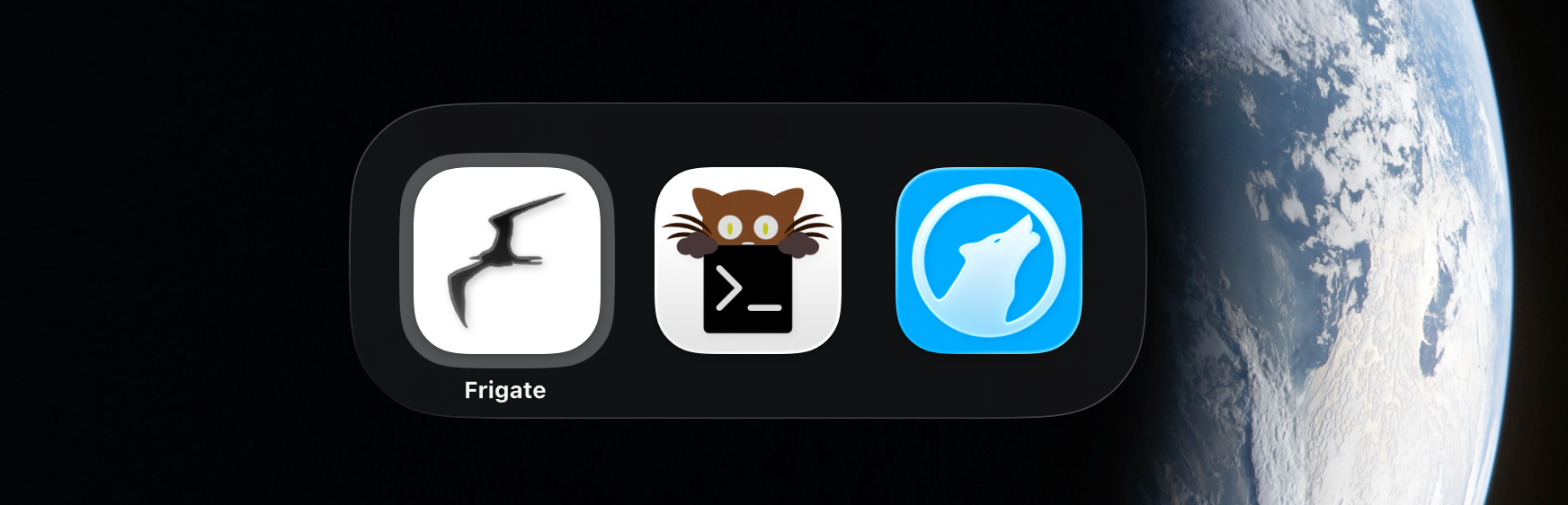
For managing my security camera feeds, I use Frigate1. It offers a decent web-based UI, but not a stand-alone application. This meant I couldn’t quickly command + tab to it from whatever application I was running at the time. Frigate got to live in a pinned tab in my browser. I went to it by switching to my browser with the key combination hyper + w—w for web. Then either clicking on the tab or pressing command + 1, as it was the first tab in the list. In any case, this was a multi-step solution, when all I wanted was to get to it with a single key combination.
Turns out this is possible using Safari—of all things—and Raycast2.
- Open the Frigate URL in Safari.
- Choose File → Add to Dock in the menu bar.
- Set the name, the URL and an icon.
- Click Add.
A Frigate.app file is created in the ~/Applications directory. Apparently it’s also added to your dock, but I went through great trouble to make sure that horrible thing is not visible on my system. Ever.
All I need now is to get the run-or-raise behavior to work. I launch or switch to all my programs by using Raycast’s hotkey functionality and this also works for the new Frigate.app. Find Frigate in the Applications group under Settings → Extensions and set a hotkey. I went with hyper + c—c for cameras.
I can now start Frigate like any application on my system and tab to it.