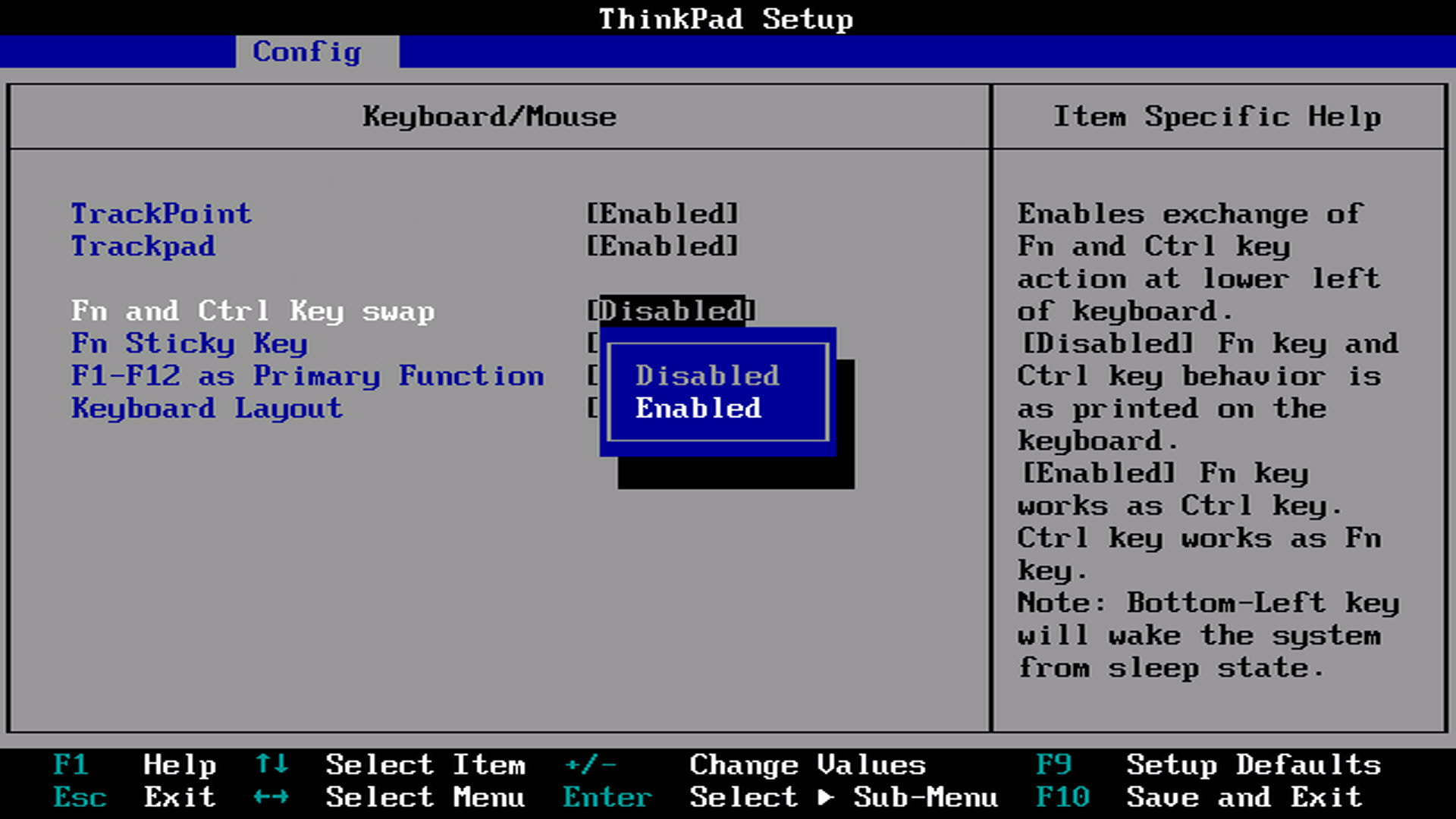
The MacBook keyboard layout is wrong. Control goes in the bottom left corner, but for some reason fn is chilling there. My old ThinkPad also had them in the wrong order. I hate this so, so much, and clearly more people dislike it, as the ThinkPad has an actual dedicated BIOS setting to swap the two.
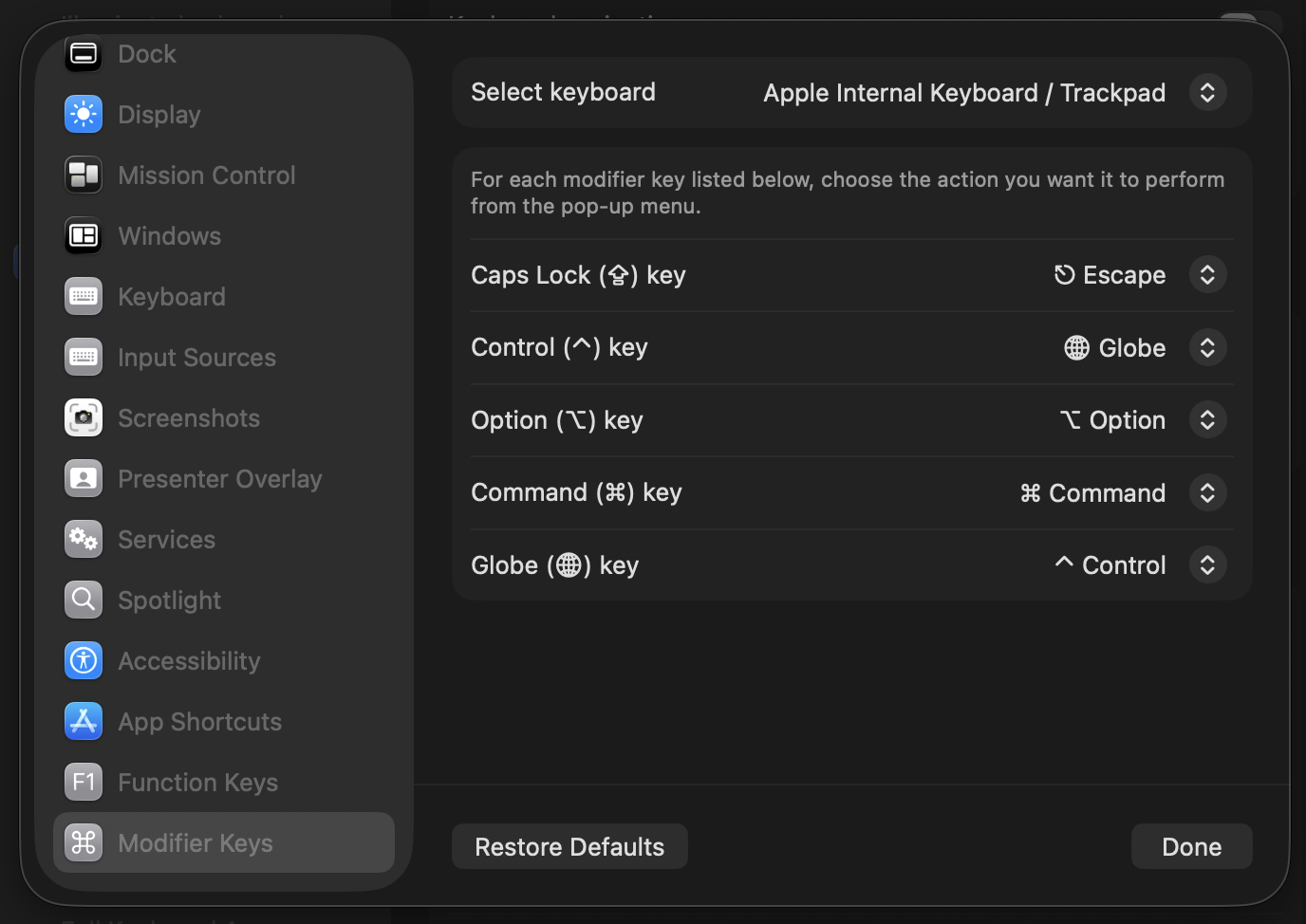
Now the Mac offers the ability to change what the keys do too, at least it seems to. Unfortunately, changing the setting in Settings → Keyboard → Keyboard Shortcuts → Modifier Keys does nothing for me. Not a clue if this is a me problem or a macOS one.
Luckily there’s Karabiner Elements1, which allows for complex modifications, including swapping keys.
|
|
And to make it all look right: the fn and control keys are the same size, so with great patience, effort, and care, you can physically pop those out2 and swap them.
